
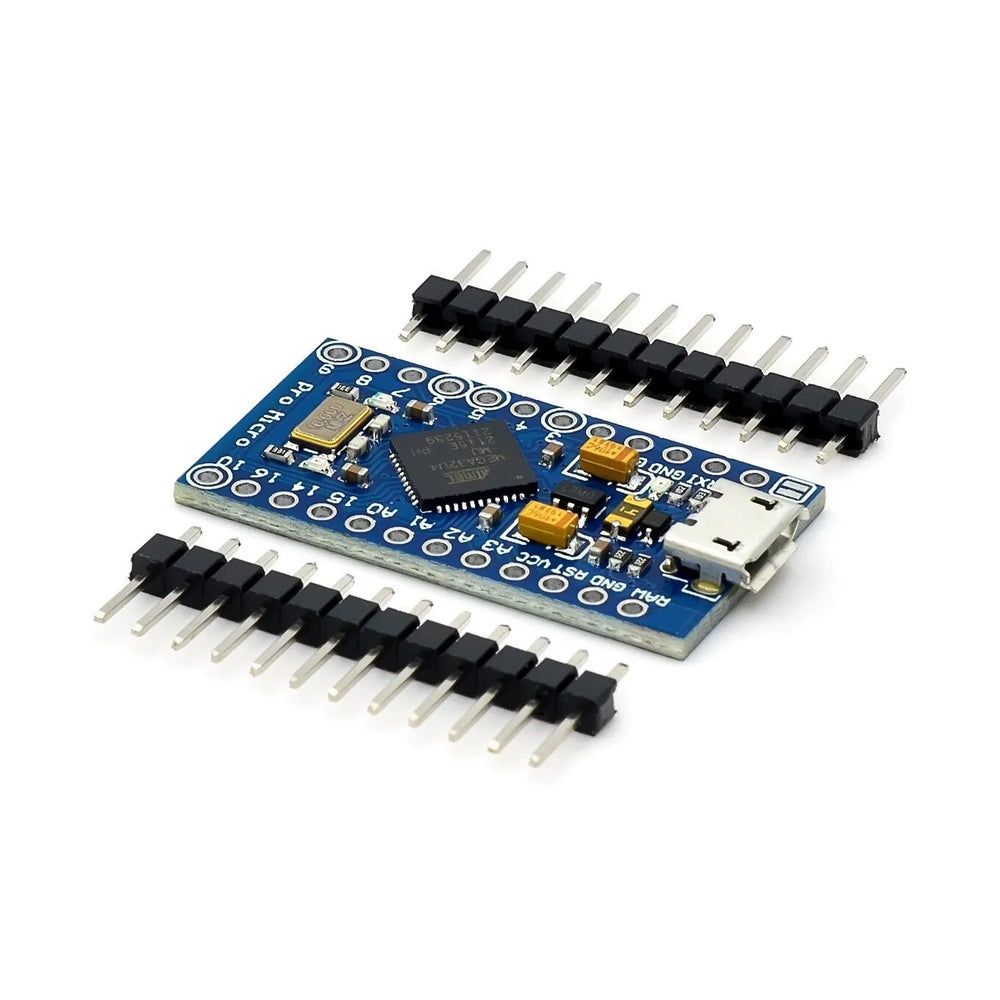

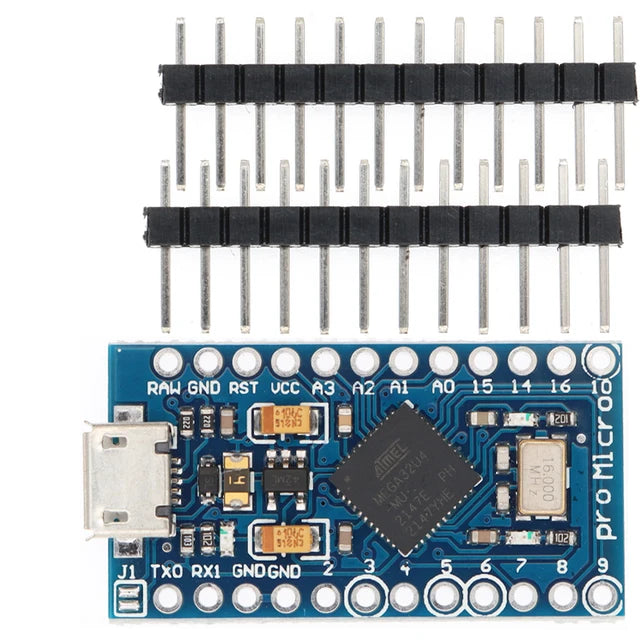
Arduino Pro Micro ATmega32U4 Development Board
Arduino Pro Micro ATmega32U4 Development Board has a 5-10 day lead time before dispatch. Order will only be sent once all items are available for delivery.
The Arduino Pro Micro 5V Development Board is a compact and versatile microcontroller board based on the ATmega32U4, featuring native USB connectivity for easy programming without requiring an external USB-to-serial adapter. Running at 5V and 16MHz, it is ideal for embedded projects where space is limited while still providing the full functionality needed for sensors, automation, robotics, HID devices, and IoT applications. Thanks to the ATmega32U4's built-in USB support, the Pro Micro can also emulate USB keyboards, mice, joysticks, and other Human Interface Devices (HID).
Key Specifications
- Microcontroller: ATmega32U4
- Operating Voltage: 5V
- Clock Speed: 16MHz
- Recommended Input Voltage: 5V to 9V via RAW pin
- USB Interface: Micro USB with native USB support
- Digital I/O Pins: 12
- PWM Outputs: 5
- Analog Inputs: 4 × 10-bit ADC channels
- Hardware UART: RX and TX serial communication
- Board Dimensions: 18mm × 33mm
Features
- Native USB connectivity eliminates the need for an external USB-to-serial converter.
- Compatible with the Arduino IDE for fast and simple development.
- Can function as a USB keyboard, mouse, game controller, or other HID device.
- Compact footprint makes it ideal for wearables, portable electronics, and space-constrained projects.
- Five PWM outputs for LED dimming, motor control, and servo applications.
- Four analogue inputs for connecting sensors and measuring analogue signals.
- Hardware UART simplifies communication with GPS modules, Bluetooth modules, displays, and other serial devices.
- Micro USB connector provides convenient programming and power.
Applications
- USB keyboards and macro pads
- Custom gaming controllers and joysticks
- Wearable electronics
- IoT and smart home devices
- Sensor monitoring systems
- Robotics and automation projects
- Educational Arduino projects
Programming Notes
- Select Arduino Leonardo as the board within the Arduino IDE when uploading sketches.
- When powering the board from an external, unregulated supply, connect the voltage to the RAW pin rather than VCC.
Resources

Looking for a different Arduino board? Browse our complete Arduino collection, or consider the 3.3V Arduino Pro Mini or 5V Arduino Pro Mini for projects that do not require native USB support.
New to Arduino? Follow our Arduino Getting Started Guide to learn the basics, then build your first project using our LED Blink Tutorial.
This product can be found here:
