
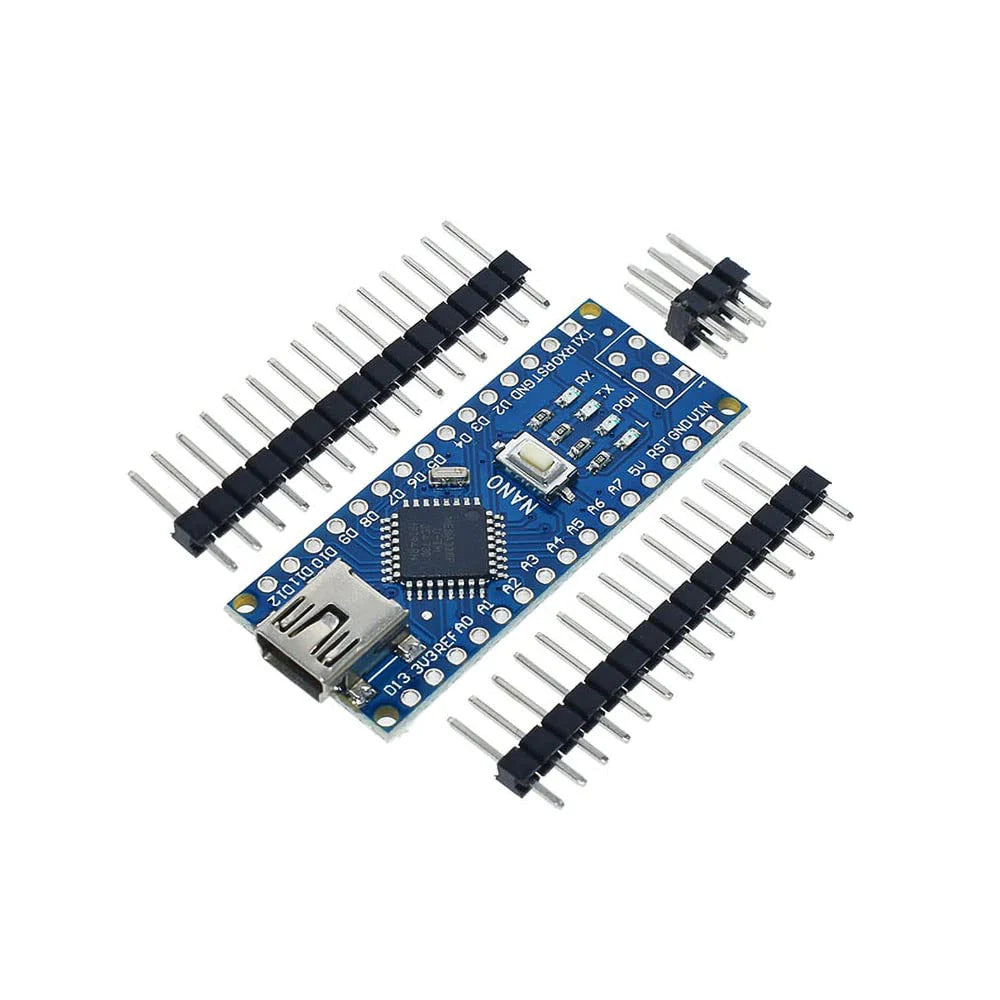
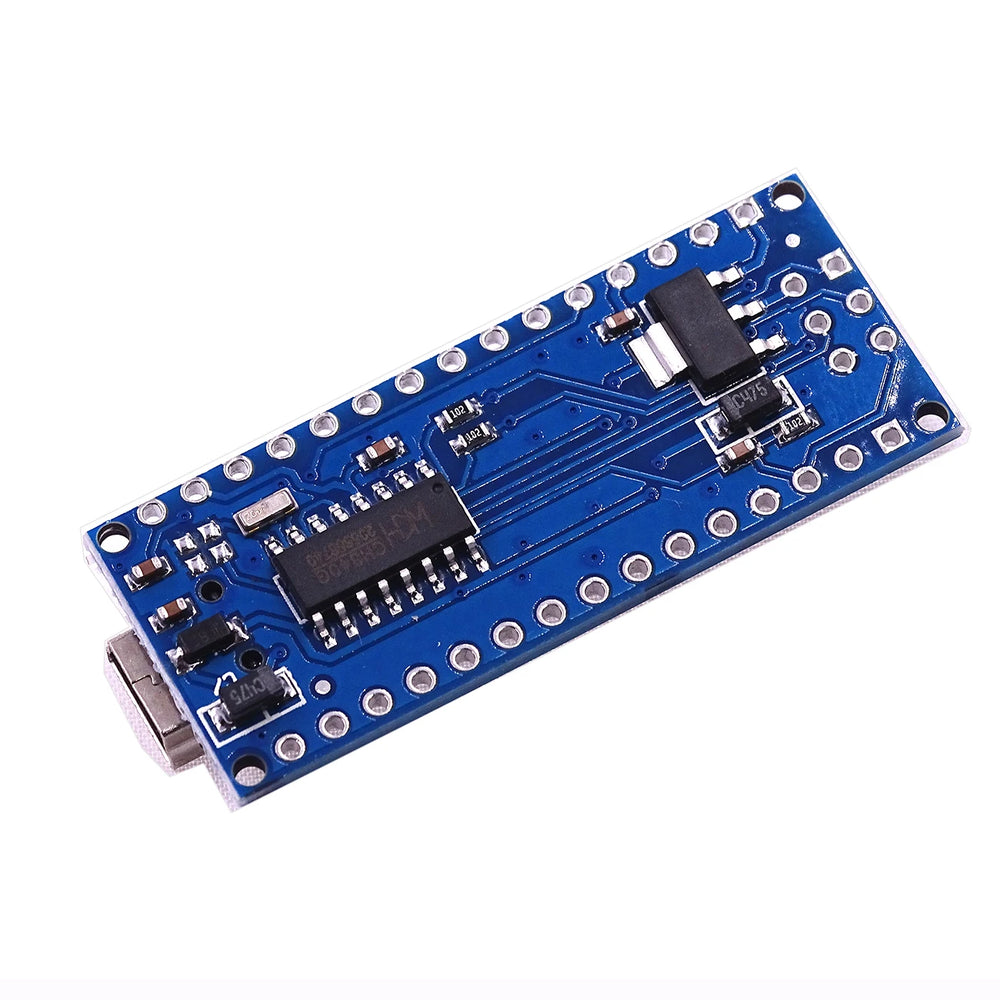
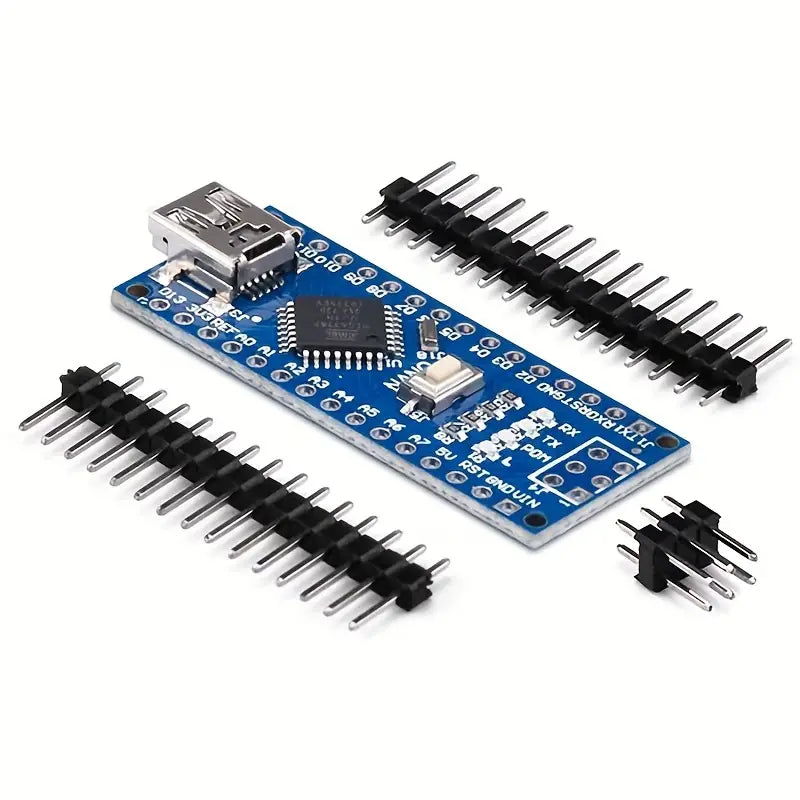
Unsoldered Arduino Nano Compatible Development Board
Unsoldered Arduino Nano Compatible Development Board has a 5-10 day lead time before dispatch. Order will only be sent once all items are available for delivery.

Unsoldered Arduino Nano Compatible Development Board
The Arduino Nano V3.0 Compatible is a compact and powerful microcontroller board designed for Arduino enthusiasts, hobbyists, and makers. This variation has its pins unsoldered. Whether you’re a beginner or an experienced developer, this board offers versatility, ease of use, and compatibility with the Arduino ecosystem.
New to Arduino? Start with our Arduino Getting Started Guide to learn setup and coding basics, and check out our LED Blink Guide for your first project.
This product does not include a USB A to Mini B cable
Key Specifications:
- Microcontroller: Atmel ATmega328P
- Operating Voltage (Logic Level): 5 V
- Input Voltage (Recommended): 7-12 V
- Input Voltage (Limits): 6-20 V
- Digital I/O Pins: 14
- PWM Pins: 6
- Analog Input Pins: 8
- Flash Memory: 32 KB
- SRAM: 2 KB
- EEPROM: 1 KB
- Clock Speed: 16 MHz
- Bootloader: Pre-installed
- USB Interface: Mini USB (Type-B)
Features:
- Compact Design:
- The Mini USB Nano V3.0 is smaller than the Arduino Uno, making it ideal for space-constrained projects.
- Its mini USB interface allows easy connection to your computer for programming and communication.
- Versatility:
- Use it for prototyping, experimenting, or building custom devices.
- Compatible with the Arduino Nano, so you can leverage existing libraries and code.
- USB Power and Communication:
- Connect the board to your computer via the mini USB port.
- Use it for both power supply and data communication.
- CH340 USB-to-Serial Converter:
- The CH340G chip provides reliable USB-to-serial communication.
- No need for additional drivers on most systems.
- Built-in Bootloader:
- Start programming right away with the pre-installed bootloader.
- Upload your sketches using the Arduino IDE.
How to Get Started:
- Install the Arduino IDE:
- Download and install the Arduino IDE from the official website.
- Select “Arduino Nano” as the board type.
- Connect to Your Computer:
- Use a mini USB cable to connect the board to your computer. (Not included)
- Install any necessary CH340 drivers (if required).
- Start Coding!:
- Write your Arduino sketches and upload them to the Mini USB Nano.
- Experiment, create, and bring your ideas to life!
This board is built from the open source Arduino® Nano design. To support the creates and the future innovations, we recommend to buy directly from the official Arduino store.
Arduino® is a trademark of Arduino AG.
Unlock your creativity with the Mini USB Nano V3.0 ATmega328P. Whether you’re building robots, sensors, or interactive art, this board is your gateway to endless possibilities.
This product can be found here:
