
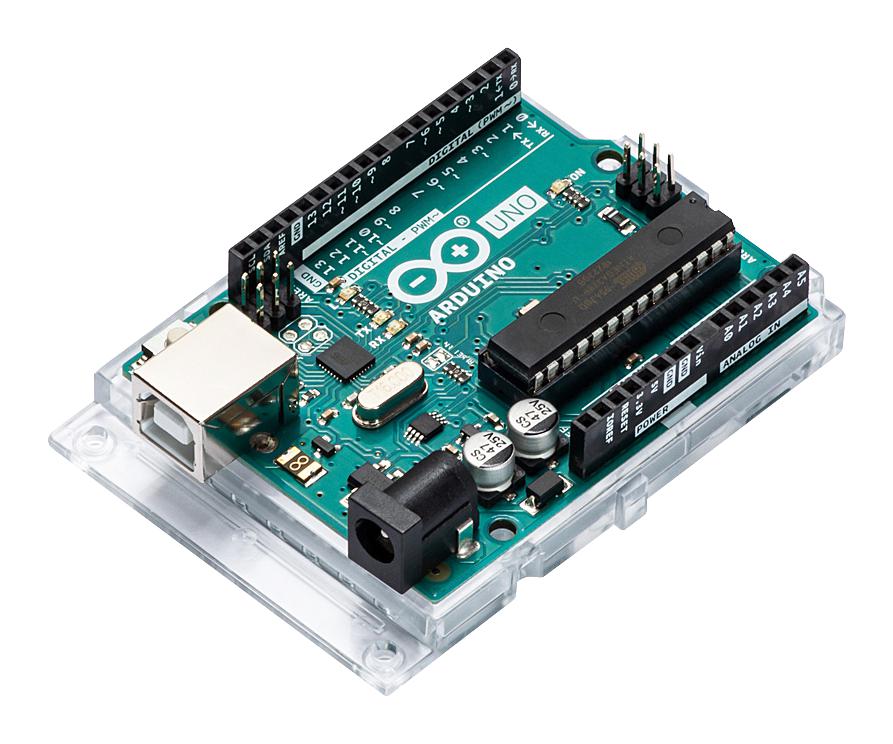
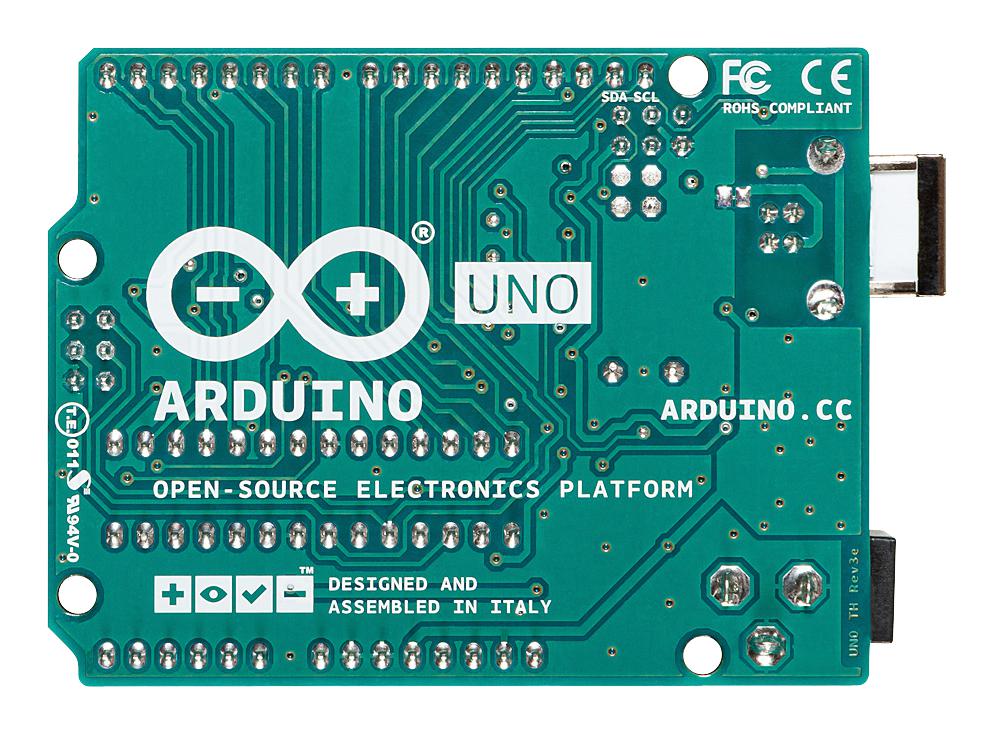
Arduino Uno R3 ATmega328P Official Development Board
Arduino Uno R3 ATmega328P Official Development Board has a 5-10 day lead time before dispatch. Order will only be sent once all items are available for delivery.
Arduino Uno R3 ATmega328P Official Development Board
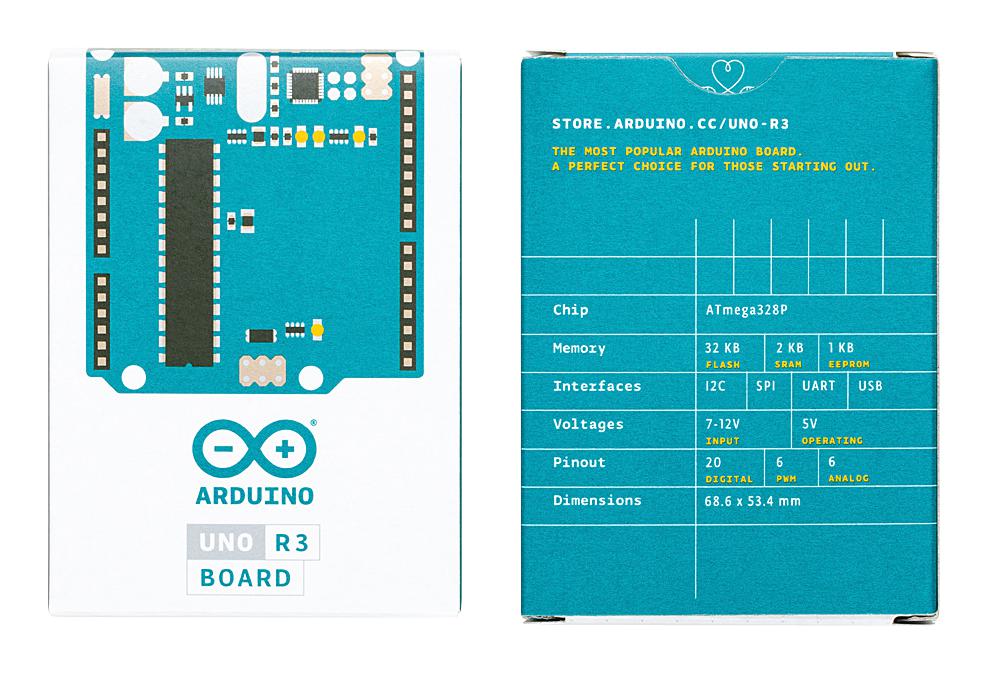
The Arduino Uno R3 Official Development Board is the perfect board to get familiar with electronics and coding. This versatile development board is built around the well-known ATmega328P microcontroller, paired with an ATmega16U2 that handles USB-to-serial communication. Whether you're taking your first steps into electronics or you're an experienced maker prototyping your next project, the Uno R3 gives you a stable, well-documented platform to build on.
New to Arduino? Our What is Arduino guide explains the basics of the platform before you dive in. From there, our Arduino Getting Started Guide walks through setup and coding basics, and our LED Blink Guide covers your first project. You can also browse our full collection of Arduino content for more guides and project ideas.
Key Features:
- Main Processor: ATmega328P, an AVR CPU running at up to 16 MHz.
- USB Processor: ATmega16U2, handling USB-to-serial conversion for reliable connectivity to your computer.
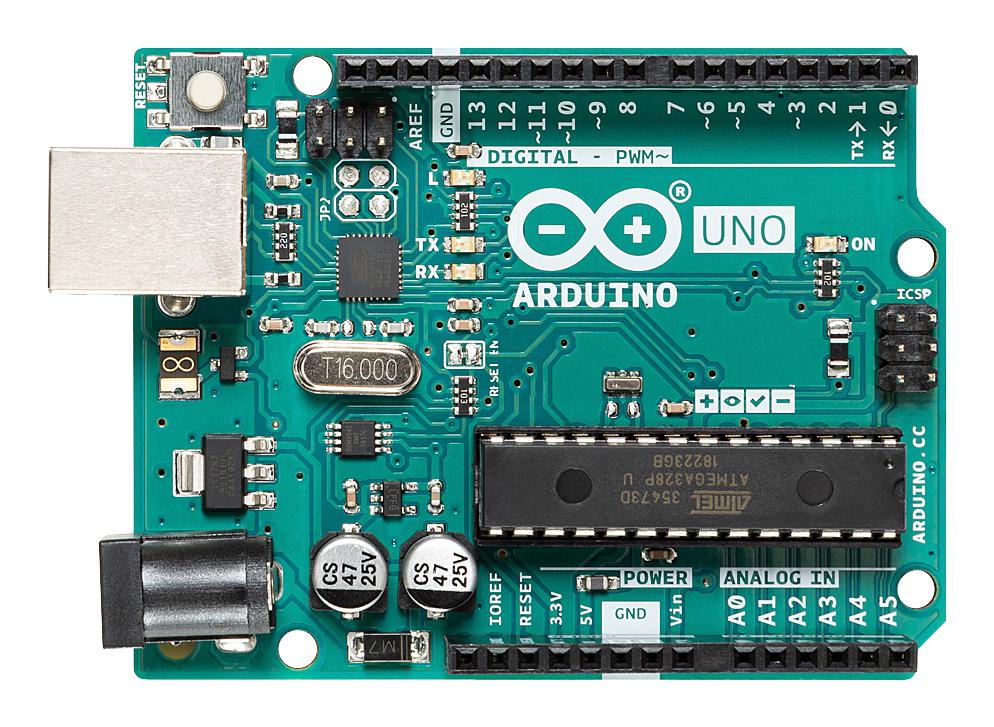
- Digital I/O Pins: 14 pins, including 6 PWM outputs, for seamless connection to peripherals.
- Analog Inputs: 6 pins for precise sensor readings, offering 10-bit resolution (1024 distinct values).
- Operating Voltage: 5V, with a wide supply range of 6-20V.
- Memory: 32 kB Flash, 2 kB SRAM, and 1 kB EEPROM on the ATmega328P, plus 16 kB ISP Flash, 512B EEPROM, and 512B SRAM on the ATmega16U2.
- Clock Speed: Up to 16 MHz, offering responsive operation.
- Power Options: Can be powered via USB, an external AC-to-DC adapter through the barrel jack, or a battery connected to the Vin pin.
- Communication: Onboard SPI, I2C, and USART support, along with a Watchdog Timer and interrupt-on-pin-change functionality.
- Protection: Built-in Power On Reset (POR), Brown Out Detection (BOD), and a resettable polyfuse to protect your computer's USB port from shorts or overcurrent.
Power Options
The Uno R3 can be powered in a few different ways depending on your setup:
- USB (5V): Connect via USB Type-B for a straightforward 5V supply. Most computers only provide 250-500 mA through their USB ports, so this is best suited to lighter loads.
- Barrel Jack (7-12V DC): A centre-positive 2.1mm barrel jack accepts a 7-12V DC supply, regulated down to the voltages the board needs.
- Vin Pin (7-12V DC): An alternative power input on the header, useful when integrating the Uno into a custom enclosure or shield.
- 5V Power Pin: Can act as a regulated 5V output for external components, or as a 5V input if you're supplying already-regulated power.
- When multiple power sources are connected at once, the 7-12V supply takes priority over the 5V USB line, while the USB connection is still used for data transfer.
Digital and Analog I/O
- All 14 digital pins operate at 5V logic and can source or sink up to 40 mA, with an internal 20-50 kOhm pull-up resistor available (disabled by default).
- Serial (0, 1): RX and TX pins, connected to the ATmega16U2 for USB serial communication.
- External Interrupts (2, 3): Can trigger on a low value, rising or falling edge, or a change in value, using the attachInterrupt() function.
- PWM (3, 5, 6, 9, 10, 11): 8-bit PWM output via the analogWrite() function.
- SPI (10, 11, 12, 13): SS, MOSI, MISO, and SCK pins for SPI communication using the SPI library.
- Built-in LED (13): Connected directly to digital pin 13, handy for testing that your board and code are working.
- Analog Inputs (A0-A5): 10-bit resolution (1024 values), measuring from ground to 5V by default. This upper range can be adjusted using the AREF pin and the analogReference() function.
- TWI/I2C (A4/SDA, A5/SCL): Supported using the Wire library.
- Reset pin: Bring this line LOW to reset the microcontroller, typically used to add a reset button to shields that cover the onboard one.
Communication
- UART TTL (5V) serial communication is available on digital pins 0 (RX) and 1 (TX).
- The ATmega16U2 channels this serial communication over USB, appearing as a virtual COM port with no external driver needed (a .inf file is required on Windows).
- The Arduino IDE includes a built-in serial monitor for sending and receiving simple text data to and from the board.
- A SoftwareSerial library allows serial communication on any of the Uno's digital pins.
- I2C (TWI) is supported via the Wire library, and SPI communication is supported via the SPI library.
Programming
- Programmed through the Arduino IDE by selecting "Arduino Uno" from the Tools > Board menu.
- Comes pre-loaded with a bootloader, so new sketches can be uploaded without an external hardware programmer, using the STK500 protocol.
- The bootloader can be bypassed entirely by programming through the ICSP header with an external programmer such as Arduino as ISP.
- A software-controlled reset (via the ATmega16U2's DTR line) automatically resets the board when a new sketch is uploaded, so there's no need to press the physical reset button each time.
- The auto-reset function can be disabled by cutting the "RESET-EN" trace on the board, or by connecting a 110-ohm resistor from 5V to the reset line.
Physical Characteristics
- PCB dimensions are approximately 2.7 x 2.1 inches (68.6mm x 53.4mm), with the USB connector and power jack extending slightly beyond this outline.
- Four mounting holes allow the board to be secured to a panel or enclosure.
- The spacing between digital pins 7 and 8 is 160 mil (0.16"), which doesn't follow the standard 100 mil pin spacing used elsewhere on the board, worth noting if you're designing a custom shield.
Whether you're a hobbyist, educator, student, or working in industry, the Arduino Uno R3 offers a solid blend of simplicity and functionality, making it a dependable choice whether it's your first board or your fiftieth.
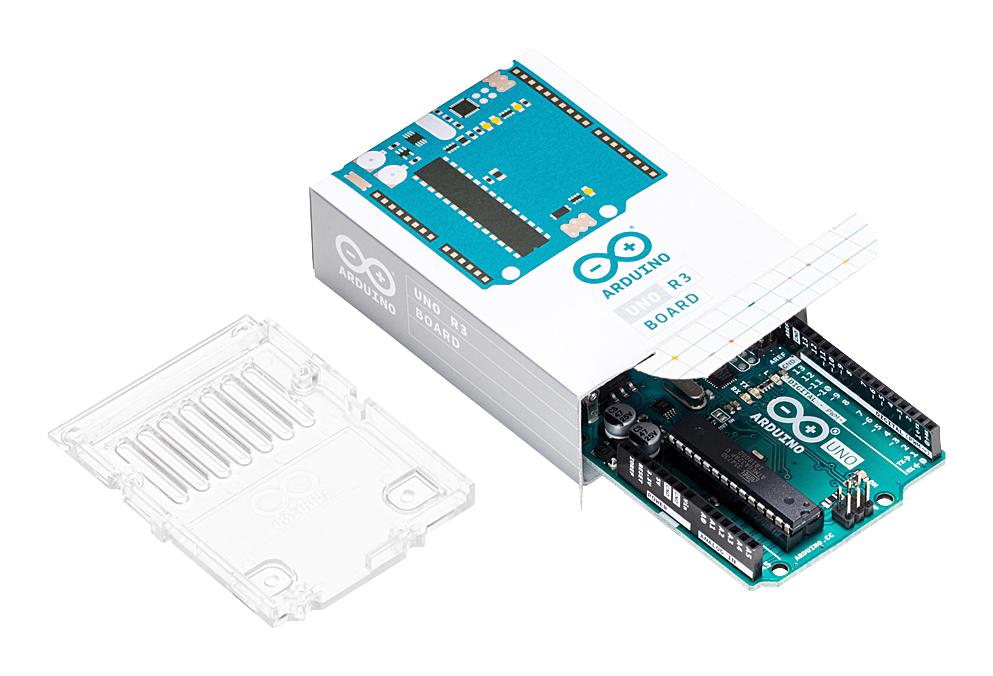
To get started, we recommend our USB A to B cable, as one isn't included in the box. Looking for something different? Our Arduino Uno compatible version offers the same core functionality at a lower price point, our clear transparent case keeps your board protected while showing off the internals, and if you need built-in WiFi and Bluetooth, our Arduino Uno R4 WiFi is a newer, more capable option.
Resources
This product can be found here:
